
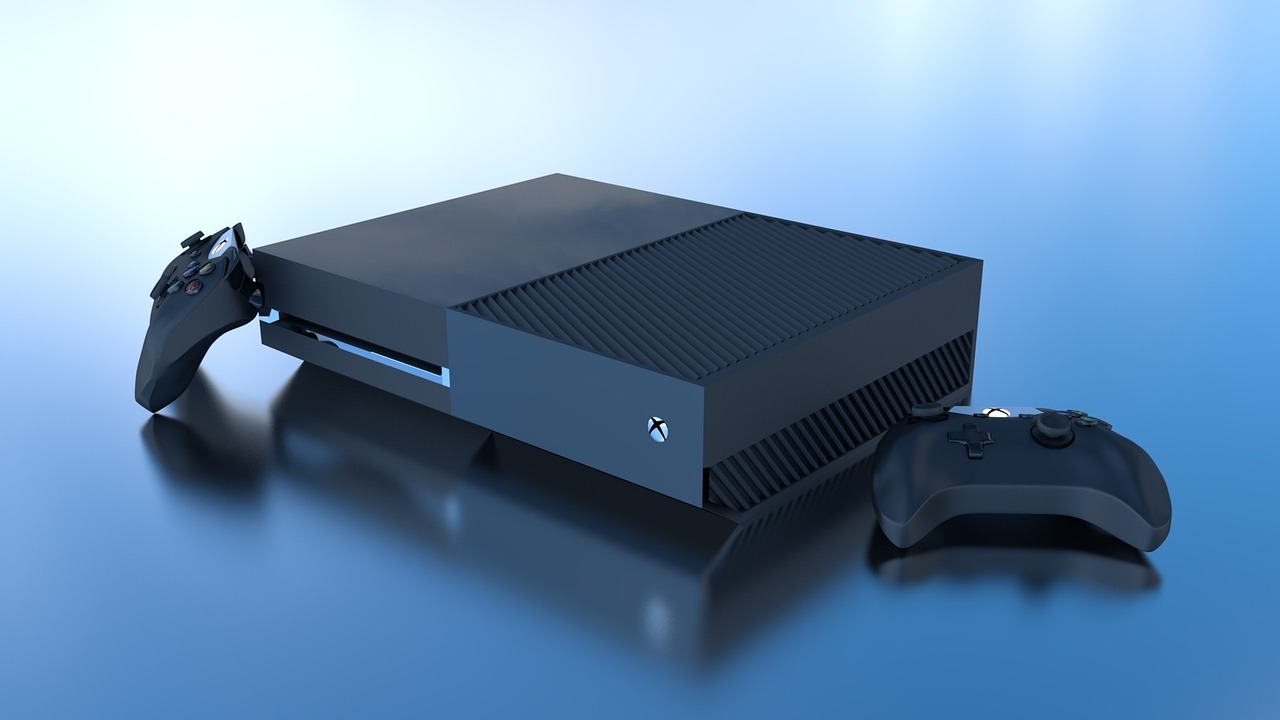
Emulating old-school gaming consoles has become a popular way for gamers to relive their childhood memories, and the original Xbox, released back in 2001, is no exception. If you’re looking to play classic Xbox games on your PC or Mac, emulators are the key. In this guide, we will explore the best emulators for original Xbox, allowing you to enjoy games like Halo, Fable, and Jet Set Radio Future once again. Let’s dive in and explore the options available to you.
What is Xbox Emulation?
Xbox emulation refers to software that mimics the original Xbox console on modern PCs or other devices, allowing you to play your favorite Xbox titles. Emulators recreate the hardware and software environment of the console, enabling it to run on a computer, often at higher resolutions and improved graphics. However, it’s important to remember that downloading game ROMs or BIOS files without owning the original game can be illegal in certain jurisdictions. Always make sure you are following the law when it comes to emulation.
How Does Xbox Emulation Work?
To successfully emulate Xbox games, you’ll need a few components:
- Emulator Software – The core program that mimics the original Xbox system.
- BIOS Files – The system software that runs the console. You’ll need to legally dump this from an original Xbox.
- Game ROMs – Copies of Xbox games that can be run by the emulator (again, only if you own the original game).
While the concept may sound complicated, modern emulators have made the process easier, with user-friendly interfaces and comprehensive guides to walk you through setup.
Top 5 Best Emulators for Original Xbox
Here are the best emulators for playing original Xbox games on your computer:
1. Xemu – Best Overall for Xbox Emulation
If you’re looking for the most reliable and versatile Xbox emulator, look no further than Xemu. This emulator is highly regarded for its compatibility, running most Xbox games with good performance.
- Pros:
- High compatibility with a large number of original Xbox games.
- Open-source, meaning it’s free and constantly updated by a passionate community.
- Available for Windows, macOS, and Linux.
- Cons:
- You’ll need to legally obtain the Xbox BIOS.
- Some games may experience minor graphical glitches.
Best For: Gamers who want a broad range of supported titles with regular updates and good community support.
2. Xenia – Powerful Option for High-End PCs
While Xenia started as a project focused on Xbox 360 games, it also supports many original Xbox titles. If you have a powerful gaming PC, Xenia is an excellent choice for its smooth performance and graphics.
- Pros:
- Great graphics, making it ideal for gamers with high-end PCs.
- Fast performance and regular updates.
- Active developer community.
- Cons:
- Does not support as many Xbox games as Xemu.
- Only works well with powerful hardware.
Best For: Gamers who prioritize high-quality visuals and have top-tier PC hardware.
3. CXBX-Reloaded – Simple and Windows-Only
CXBX-Reloaded is one of the easiest-to-use Xbox emulators available, and it’s perfect if you’re only using Windows. The emulator has a simple interface and good performance, making it an excellent choice for casual gaming.
- Pros:
- Simple, clean interface.
- Good support for many original Xbox games.
- Cons:
- Available only for Windows.
- Performance can be choppy on less powerful PCs.
Best For: Users who are looking for a no-fuss Xbox emulator that works well on Windows.
4. Xeon – Dedicated to Halo
For Halo enthusiasts, Xeon is a specialized Xbox emulator that focuses primarily on emulating Halo: Combat Evolved. While it doesn’t offer support for many other games, it’s a great choice if you’re looking to experience the iconic shooter.
- Pros:
- Lightweight and simple.
- Perfect for fans of Halo: Combat Evolved.
- Cons:
- Extremely limited game support.
- Only works for specific regions and versions of Halo.
Best For: Halo fans who want a simple, dedicated emulator for one of Xbox’s most iconic titles.
5. XQEMU – Legacy Option for Tech Enthusiasts
XQEMU is another emulator worth considering, especially for tech enthusiasts who want to experiment with original Xbox emulation. It’s a bit more technical and can be used to run a variety of original Xbox games, but it requires a bit of setup.
- Pros:
- Great for those looking for an experimental approach to Xbox emulation.
- Accurate emulation for certain games.
- Cons:
- Harder to set up and not as user-friendly.
- Not as actively maintained as other emulators.
Best For: Users who are comfortable with more technical setups and want to experiment with Xbox emulation.
Also Read: Best Nintendo 3DS Emulators of 2026: A Complete Guide
How to Set Up Your Xbox Emulator
Setting up an Xbox emulator involves the following general steps:
- Download the Emulator: Choose your preferred emulator (such as Xemu or Xenia) and download it from a trusted website.
- Obtain the BIOS: You will need to legally dump the Xbox BIOS from your own console.
- Install and Configure: Follow the emulator’s setup guide to configure the software.
- Download Games: Load your legally obtained Xbox ROMs into the emulator.
- Connect a Controller: Most emulators support USB controllers, so plug in your favorite gamepad for the best experience.
Common Issues and Troubleshooting Tips
- Game Crashes: If a game crashes, try switching the graphics settings or updating your emulator.
- Slow Performance: Ensure your PC meets the emulator’s system requirements or adjust the graphics settings to improve performance.
- Audio Issues: This can often be resolved by checking your sound settings within the emulator.
Legal Considerations
While Xbox emulation itself is legal, there are legal concerns surrounding ROMs and BIOS files. You must own the original game to legally download and use a ROM. Similarly, the BIOS file can only be legally obtained by dumping it from your own Xbox console.
FAQs About Xbox Emulators
Can I run Xbox games on my Mac?
Yes, many Xbox emulators like Xemu are available for macOS.
Which Xbox emulator has the highest compatibility?
Xemu is widely regarded as the most compatible Xbox emulator.
Do I need an Xbox BIOS to play games?
Yes, you must legally dump the BIOS from your own console to use an emulator.
Are emulators legal?
Yes, emulators are legal, but downloading ROMs of games you don’t own is not.
Also Read: Best GBA Emulators for PC: A Complete Guide to Playing GameBoy Advance Games on Your Computer
Conclusion
In conclusion, the best emulator for your original Xbox games depends on your specific needs:
- Xemu offers the best all-around compatibility.
- Xenia is perfect for gamers with high-end PCs.
- CXBX-Reloaded is great for casual gamers on Windows.
- Xeon is ideal for Halo fans.
- XQEMU is for those who enjoy experimenting with more complex setups.
No matter which emulator you choose, you’ll be able to enjoy classic Xbox games in no time. Happy gaming!