
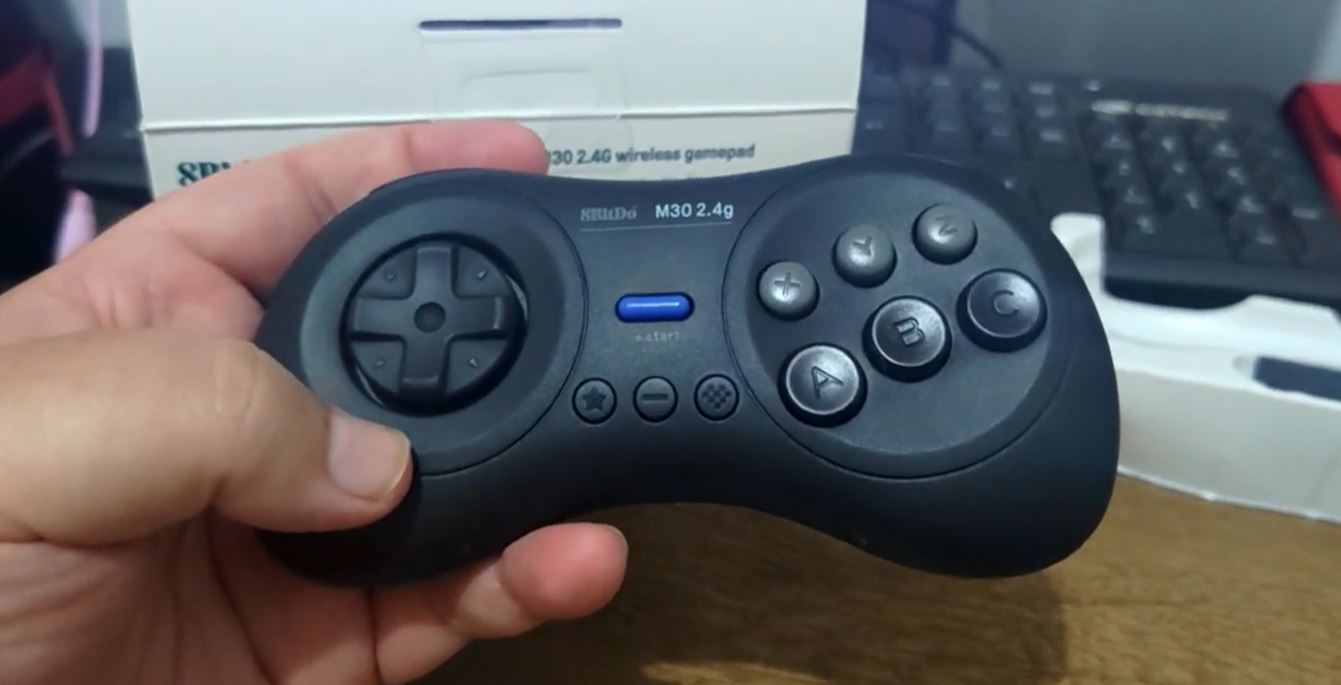
The Sega Saturn, released in 1994, was a groundbreaking console for its time, featuring impressive 3D capabilities and a strong library of games. However, the Saturn’s complex hardware has made it difficult for developers to create emulators that offer perfect gameplay. Fortunately, the rise of retro gaming has made it easier than ever to relive the magic of Saturn games on modern devices, whether you’re using a PC, Android, or even a low-powered system. In this article, we’ll compare the best Sega Saturn emulators available in 2026, helping you choose the right one for your gaming needs.
What Is a Sega Saturn Emulator?
A Sega Saturn emulator is software that mimics the Sega Saturn console on modern devices like a PC or smartphone, allowing users to play Saturn games without needing the original hardware. These emulators translate the console’s hardware commands into something your computer can understand, enabling a smooth gaming experience. Choosing the right emulator depends on compatibility, ease of use, performance, and support for Saturn’s unique hardware.
Is Sega Saturn Emulation Legal?
Emulators themselves are legal, but the legality of playing games on them depends on how you obtain the game files. While the emulator software is legal, downloading or distributing copyrighted game files (BIOS or ROMs) without permission is not. To stay on the safe side, ensure you own the original Saturn games and BIOS files before using them in an emulator.
How We Chose the Best Sega Saturn Emulators
When reviewing the best Sega Saturn emulators, we focused on the following criteria:
- Compatibility with a wide range of Saturn games
- Accuracy in replicating the original gaming experience
- Ease of setup and user-friendliness
- Performance, including speed and graphical quality
- Device support, including PC, Android, and other platforms
- Active development, ensuring long-term improvements
Quick Comparison Table
| Emulator | Best For | Platforms | Ease of Use | Accuracy | Performance | BIOS Required |
|---|---|---|---|---|---|---|
| RetroArch | All-in-one solution | PC, Android | Easy | High | Good | Yes |
| Mednafen | Accuracy and advanced users | PC | Medium | Very High | High | Yes |
| Kronos | Dedicated Saturn emulation | PC, Linux | Medium | High | Good | Yes |
| Yaba Sanshiro | Android gaming | Android, iOS | Easy | Medium | Good | Yes |
| SSF | Classic Windows option | Windows | Easy | Medium | Fair | Yes |
| BizHawk | Advanced users, speedrunners | PC | Complex | High | Very High | Yes |
Also Read: Best Emulators for Original Xbox: Play Classic Xbox Games on Your PC
Best Sega Saturn Emulators Ranked
1. RetroArch
Best for all-in-one solutions
RetroArch is one of the most popular emulators for Saturn and other retro consoles. It serves as a frontend for many different cores, including the Sega Saturn core. RetroArch supports both PC and Android, and it provides a wealth of customization options, from input settings to video quality. If you’re looking for a one-stop solution for all your retro gaming needs, RetroArch is the go-to choice.
2. Mednafen
Best for accuracy and advanced users
Mednafen is widely regarded as one of the most accurate Saturn emulators available. It emulates Saturn hardware faithfully, offering a more authentic experience. However, it can be challenging to set up and configure for beginners, and it requires a more powerful computer to run smoothly. It’s a great choice for users who want high precision and don’t mind tinkering with settings.
3. Kronos
Best for dedicated Saturn-focused experience
Kronos is a relatively newer Saturn emulator that is quickly gaining traction in the retro gaming community. It focuses exclusively on Saturn emulation and has a growing list of compatible games. It offers a smoother experience than some of the older emulators and supports both PC and Linux platforms. Kronos is a great choice if you want a more tailored experience for Sega Saturn games.
4. Yaba Sanshiro
Best for Android gaming
Yaba Sanshiro is a fantastic choice for users who want to play Saturn games on their Android devices. It’s user-friendly and provides good performance for many Saturn titles. Although not as accurate as RetroArch or Mednafen, it is an excellent option for mobile gaming, allowing players to enjoy Saturn classics on the go.
5. SSF
Best for classic Windows users
SSF is one of the oldest Saturn emulators and still offers solid performance for users with older PCs. While it’s not as advanced as newer options, it has been around for years and provides decent compatibility for many Saturn games. SSF is best suited for users with older hardware or those who prefer a simpler interface.
6. BizHawk
Best for advanced users and speedrunners
BizHawk is another multi-system emulator, but it’s especially useful for speedrunners and users who need precise control and scripting capabilities. It has great Saturn support, though it’s more complex to set up than some of the other emulators. BizHawk’s tools for frame-by-frame control and recording make it the top choice for those looking to push their gaming experience to the next level.
Which Sega Saturn Emulator Is Best for You?
- Best for beginners: RetroArch
- Best for accuracy: Mednafen
- Best for Android: Yaba Sanshiro
- Best for old PCs: SSF
- Best for advanced tools: BizHawk
- Best dedicated Saturn option: Kronos
Minimum PC Requirements for Sega Saturn Emulation
Sega Saturn emulation can be demanding, especially when using more accurate emulators like Mednafen. Here are the basic system requirements you’ll need for smooth performance:
- CPU: Dual-core 2.0 GHz (or higher)
- RAM: 4 GB (or more)
- Graphics: DirectX 9.0c compatible graphics card
- OS: Windows 7 or higher / Linux / macOS
Emulators like Kronos or SSF can run well on lower-end PCs, but for best performance, especially in games with high graphical fidelity, a more powerful system is recommended.
How to Set Up a Sega Saturn Emulator
- Download the emulator: Choose the one that fits your needs.
- Configure the BIOS: Some emulators require the original Saturn BIOS to work. Ensure you have a legal copy.
- Set up the controller input: Customize your input device (keyboard, mouse, or gamepad).
- Adjust video and audio settings: Fine-tune for the best performance and quality.
- Load your game files: Find your legally acquired ROMs and load them into the emulator.
- Save and optimize: Save settings and tweak as necessary to get the best experience.
Common Problems and Fixes
- Emulator not detecting BIOS: Ensure that the BIOS files are correctly placed in the emulator’s directory.
- Black screen or game not booting: Try different video drivers or update the emulator.
- Audio crackling: Adjust audio buffer size in the emulator settings.
- Controller not working: Make sure the controller drivers are installed and configured.
- Slow performance: Lower internal resolution or close background programs.
Tips to Improve Sega Saturn Emulation Performance
- Lower the internal resolution to reduce processing power.
- Use the right video backend: Switch between Vulkan, OpenGL, or DirectX depending on your hardware.
- Close unnecessary background apps to free up resources.
- Update your graphics drivers to ensure compatibility and performance.
- Test different cores or emulators to see which works best with your hardware.
Best Sega Saturn Games to Test on an Emulator
- Panzer Dragoon
- Nights into Dreams
- Sega Rally Championship
- Guardian Heroes
- Virtua Fighter 2
- Dragon Force
- Shining Force III
RetroArch vs Mednafen vs Kronos vs Yaba Sanshiro: Which One Should You Choose?
- RetroArch: Best for all-in-one setup, easy to use with many platform supports.
- Mednafen: Best for users prioritizing emulation accuracy.
- Kronos: Best for a dedicated Saturn-focused experience.
- Yaba Sanshiro: Best for Android users on the go.
FAQs
What is the best Sega Saturn emulator for PC?
RetroArch is the most user-friendly option, offering great compatibility and settings.
What is the best Sega Saturn emulator for Android?
Yaba Sanshiro offers the best performance and compatibility for mobile gaming.
Do Sega Saturn emulators need BIOS files?
Yes, most emulators require a Saturn BIOS to run games.
Is RetroArch better than Mednafen for Saturn games?
Mednafen is better for accuracy, while RetroArch is easier to use.
Can low-end PCs run Sega Saturn emulators?
Yes, but performance may be limited. Emulators like SSF and Kronos perform better on lower-end systems.
Which Sega Saturn emulator has the best compatibility?
RetroArch offers the best compatibility for most Saturn games.
Also Read: Best Nintendo 3DS Emulators of 2026: A Complete Guide
Final Verdict
In 2026, RetroArch is the best all-around emulator for most users due to its versatility and ease of use. If you’re a beginner, this is the emulator to go for. For those who prioritize emulation accuracy, Mednafen remains the top choice. Kronos provides a great Saturn-centric experience, while Yaba Sanshiro is perfect for mobile gaming. Whichever emulator you choose, make sure you have the right hardware and BIOS to get the most out of your gaming experience.