
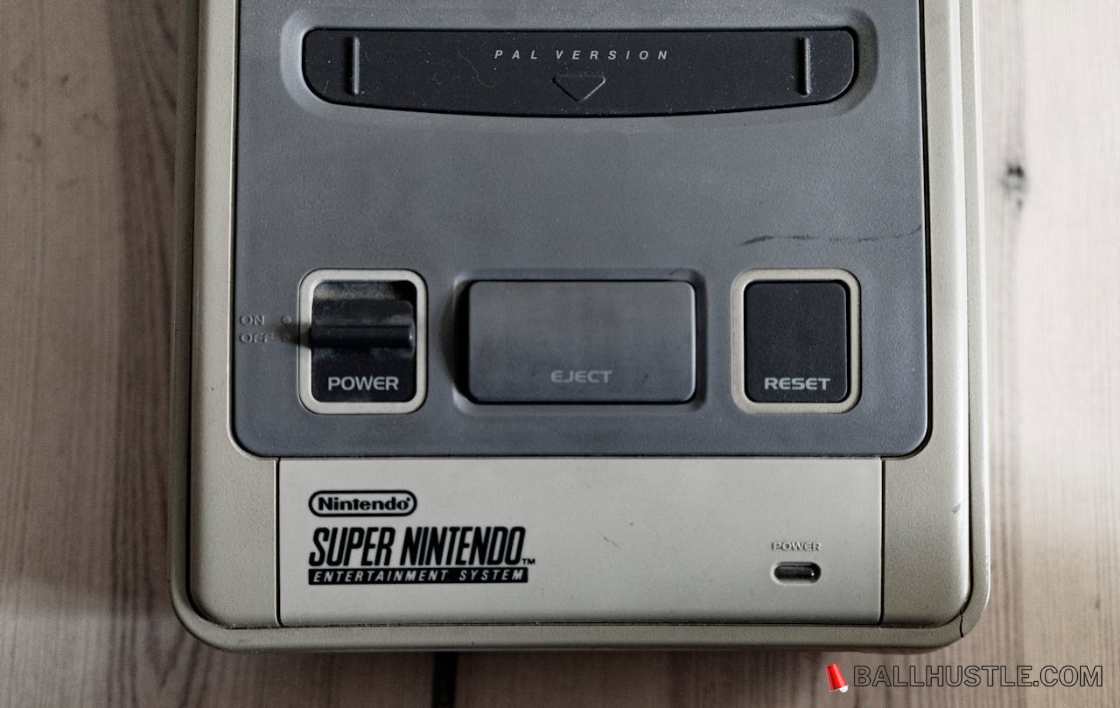
The Nintendo Entertainment System (NES) remains one of the most beloved consoles of all time. Despite its age, players still flock to it for nostalgic gaming experiences, but how do you play NES games today? Enter NES emulators—software that allows you to run NES games on modern devices, from PCs to smartphones. In 2026, there are several powerful and versatile NES emulators available, each with its own unique features. In this article, we’ll explore the 5 best NES emulators you can use this year to relive the magic of the NES era.
Why NES Emulation Matters in 2026
Even decades after its release, the NES continues to have a special place in the hearts of gamers. As modern gaming evolves, NES emulation offers a way to play timeless classics such as Super Mario Bros., The Legend of Zelda, and Metroid on today’s advanced hardware. Whether you want to revisit your childhood favorites or experience these classics for the first time, an NES emulator is the way to go.
But with so many options out there, which NES emulator is the best for you? Let’s take a look at some of the top choices for 2026.
What Makes a Great NES Emulator?
Before diving into the top picks, let’s explore the criteria that make a great NES emulator:
- Compatibility: Does it run a wide variety of NES games without crashes or glitches?
- Accuracy: How faithful is the emulator to the original NES hardware?
- Performance: Is it smooth with little-to-no lag or frame drops?
- User Interface: Is it easy to navigate and set up?
- Controller Support: Does it allow you to use external controllers like USB or Bluetooth gamepads?
- Cross-Platform Support: Can you use it across various platforms, like PC, macOS, Android, and iOS?
With these factors in mind, let’s explore the 5 best NES emulators of 2026.
1. Nestopia UE 1.52 (Best for Accuracy)
Nestopia UE is one of the most accurate NES emulators available. It faithfully recreates the experience of playing on the original NES hardware, offering near-perfect emulation. This makes it a top choice for players who are looking for authenticity in their retro gaming experience.
Key Features:
- Highly accurate emulation with minimal graphical errors
- Save and load states for convenient gameplay
- Customizable hotkeys
- Available for Windows, macOS, and Linux
Pros:
- Superb accuracy and performance
- Frequent updates and bug fixes
- Save states and cheats support
Cons:
- Limited controller support compared to other emulators
- Not as lightweight as some competitors
2. FCEUX (Best for Features)
FCEUX is a versatile NES emulator that offers a rich set of features, including built-in tools for debugging and game development. Whether you’re a casual gamer or a developer, FCEUX is perfect for all types of users.
Key Features:
- Real-time debugging tools
- Movie recording to capture gameplay
- Full controller support, including Xbox and PlayStation controllers
- Available for Windows, macOS, and Linux
Pros:
- Offers a variety of customization options
- Supports netplay for online multiplayer
- High compatibility with most NES games
Cons:
- Can be a bit overwhelming for beginners
- Less visually polished compared to other emulators
3. RetroArch (Best for Multi-System Emulation)
RetroArch is not just an NES emulator – it’s a multi-system emulator that supports many classic gaming platforms, including SNES, Genesis, and PlayStation. RetroArch is a perfect choice if you’re looking for an all-in-one solution for retro gaming.
Key Features:
- Supports NES, SNES, Sega, and other systems
- Highly customizable UI and settings
- Shader support for a retro look
- Available on Windows, macOS, Linux, Android, iOS, and more
Pros:
- Cross-platform support for almost any device
- Constantly updated with new features
- Netplay support for multiplayer
Cons:
- Steeper learning curve for beginners
- Not as user-friendly as simpler NES-only emulators
4. JNES (Best for Beginners)
If you’re new to emulation or just want something simple, JNES is a great choice. This emulator offers a clean interface and solid performance without any unnecessary complexity.
Key Features:
- Simple and intuitive user interface
- Save states and cheat code support
- Available for Windows
Pros:
- Lightweight and easy to set up
- Supports most NES games with minimal configuration
- Great for casual gamers
Cons:
- Limited controller support
- No advanced features for experienced users
5. NESBox (Best for Web-Based Play)
NESBox is a web-based NES emulator that allows you to play your favorite NES games directly in your browser. It’s perfect for users who don’t want to download software and want to start gaming immediately.
Key Features:
- Play NES games directly in your browser
- No installation required
- Simple and clean interface
- Available on any device with a web browser
Pros:
- Instant access to NES games
- No installation or downloads required
- Compatible with both Windows and macOS through a browser
Cons:
- Limited by browser capabilities
- Requires a stable internet connection
6. Comparison Table:
| Feature | Nestopia UE | FCEUX | RetroArch | JNES | NESBox |
|---|---|---|---|---|---|
| Compatibility | ⭐⭐⭐⭐⭐ | ⭐⭐⭐⭐ | ⭐⭐⭐⭐ | ⭐⭐⭐ | ⭐⭐⭐ |
| Accuracy | ⭐⭐⭐⭐⭐ | ⭐⭐⭐⭐ | ⭐⭐⭐⭐ | ⭐⭐⭐ | ⭐⭐⭐ |
| Performance | ⭐⭐⭐⭐⭐ | ⭐⭐⭐⭐⭐ | ⭐⭐⭐⭐ | ⭐⭐⭐⭐ | ⭐⭐⭐ |
| Controller Support | ⭐⭐⭐⭐ | ⭐⭐⭐⭐⭐ | ⭐⭐⭐⭐⭐ | ⭐⭐⭐ | ⭐⭐⭐ |
| Cross-Platform | ⭐⭐⭐⭐ | ⭐⭐⭐ | ⭐⭐⭐⭐⭐ | ⭐⭐⭐ | ⭐⭐⭐⭐ |
| Extra Features | ⭐⭐⭐⭐ | ⭐⭐⭐⭐⭐ | ⭐⭐⭐⭐⭐ | ⭐⭐ | ⭐ |
How to Choose the Right NES Emulator for You
When selecting an NES emulator, consider your goals and the platform you’re using. If you prioritize accuracy, Nestopia UE is the best choice. For those who want a feature-rich experience, FCEUX provides powerful tools. If you’re looking for an all-in-one emulator, RetroArch is your go-to. For a beginner-friendly option, JNES is perfect. And if you prefer playing directly from your browser, NESBox offers instant access.
FAQs
Q: Are NES emulators legal?
A: NES emulators themselves are legal. However, downloading and distributing ROMs without owning the original cartridge may be illegal in some jurisdictions.
Q: Can I play multiplayer on NES emulators?
A: Some NES emulators, like FCEUX and RetroArch, support netplay, allowing you to play with friends online.
Q: Which emulator is best for beginners?
A: JNES is an excellent choice for those new to emulation due to its simple interface and easy setup.
Conclusion
Emulating NES games has never been easier, with a wide array of high-quality NES emulators available for 2026. Each emulator offers its own strengths, whether it’s superior accuracy, ease of use, or advanced features. Choose the one that best fits your needs and start playing those timeless classics today!