
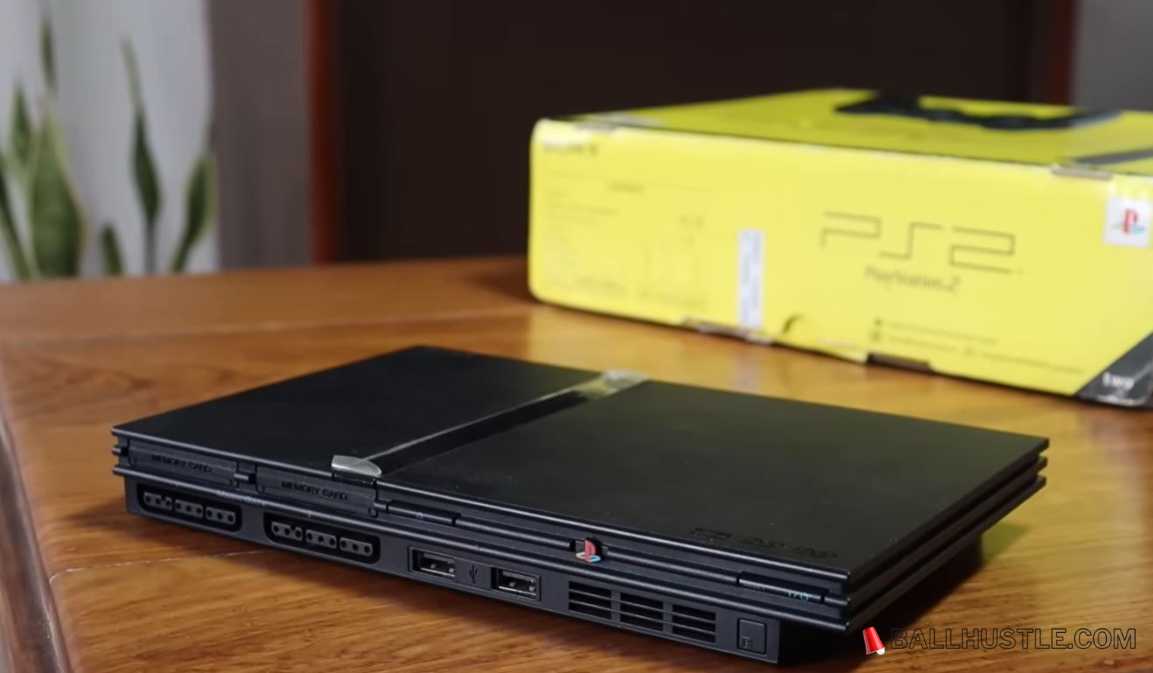
The PlayStation 2 (PS2) remains one of the most iconic gaming consoles of all time, boasting an extensive library of classic titles that millions of gamers still enjoy today. Fortunately, even if you no longer have access to the original console, you can still relive those memories with PS2 emulators. These software tools allow you to play PS2 games on modern devices like your PC, Android, or even macOS.
In this article, we’ll walk you through the best PS2 emulators available, explain how they work, and share tips to help you get the most out of your emulation experience.
What is a PS2 Emulator?
A PS2 emulator is a piece of software that mimics the functionality of the original PlayStation 2 console. By using an emulator, your PC or smartphone acts as the console, running PS2 games that you either own or download. Emulators are powerful tools that allow you to experience PS2 games in higher resolutions, with additional features like upscaling and controller support, providing a better experience than the original hardware.
While using PS2 emulators is completely legal, downloading ROMs (game files) of PS2 games is only legal if you own the original copies of those games. You also need a BIOS file to run most emulators, which is often a grey area in terms of legality, so make sure you’re compliant with your local laws.
How Do PS2 Emulators Work?
PS2 emulators recreate the functionality of the original PlayStation 2 hardware in software. They do this by simulating the PS2’s CPU and GPU and translating the game’s code into something your computer or phone can understand.
Emulation requires significant processing power, as the software needs to replicate the console’s hardware performance. The quality and performance of a PS2 emulator depend on factors like your device’s specifications and how well the emulator has been optimized.
Key Features to Look for in a PS2 Emulator
When choosing a PS2 emulator, you’ll want to consider a few important factors:
- Compatibility: Look for an emulator that supports a wide range of PS2 games. The best emulators will have high compatibility across multiple titles.
- Graphics and Performance: Good PS2 emulators enhance the visuals of games, providing features like upscaling and anti-aliasing to improve the gaming experience on modern displays.
- Cross-Platform Support: Whether you’re gaming on a PC, macOS, or Android, it’s crucial to choose an emulator that works well with your preferred device.
- User Interface and Setup: The emulator should have an intuitive interface with easy-to-follow setup instructions for smooth installation and game configuration.
- Controller Support: If you prefer playing with a controller, check if the emulator supports various USB controllers or Bluetooth connections.
Also Read: Best Sega Master System Emulators: A Comprehensive Guide
Best PS2 Emulators for PC
1. PCSX2 – The Most Popular PS2 Emulator
PCSX2 is the gold standard for PS2 emulation on PC. It’s an open-source emulator that supports a wide range of PS2 games, offering excellent performance and a variety of configuration options.
Features:
- Upscaling up to 4K resolution.
- Supports multiple plugins for graphics, audio, and input devices.
- Active community providing continuous updates and troubleshooting support.
PCSX2 is suitable for gamers who want to experience their PS2 library with enhanced graphics and speed on modern PCs. You can even use cheats and save states for extra convenience.
Pros:
- Best performance on high-end PCs.
- Supports a large library of PS2 games.
- Easy to configure and use.
Cons:
- Requires a powerful PC for optimal performance.
2. Play! – A Lightweight Emulator for PCs
Play! is a lightweight alternative to PCSX2. It’s not as feature-packed as PCSX2, but it offers great performance on lower-spec PCs and is easy to set up.
Features:
- Available for Windows, macOS, and Linux.
- Simplified interface for beginners.
Pros:
- Runs on low-end PCs.
- Fast and simple setup.
Cons:
- Limited features compared to PCSX2.
- Not as compatible with all PS2 games.
3. RetroArch with PS2 Cores
RetroArch is a unified frontend that supports multiple game consoles, including the PS2. By adding the right PS2 core, you can play games on RetroArch. It’s known for being highly customizable and allows users to access other console emulators as well.
Features:
- Multi-system emulator.
- Customizable interface and settings.
Pros:
- Supports a wide range of devices.
- Great for multi-console emulation enthusiasts.
Cons:
- Can be complex for beginners.
Best PS2 Emulators for Android Devices
1. AetherSX2 – The Most Popular Android Emulator
AetherSX2 is one of the best PS2 emulators for Android. It’s fast, stable, and supports a wide variety of PS2 games. If you have a high-end smartphone, AetherSX2 allows you to play your favorite PS2 games on the go.
Features:
- High compatibility with most PS2 games.
- Supports external controllers for better control.
Pros:
- Works well on mid-range Android devices.
- Great performance with no lag.
Cons:
- Requires an Android 8.0 or newer.
2. DamonPS2 – A Popular Emulator with Premium Features
DamonPS2 is a paid emulator that offers premium features, such as HD rendering and multiplayer support. Although it’s one of the faster PS2 emulators on Android, it comes with a price tag.
Features:
- Enhanced graphics and HD output.
- Full controller support.
Pros:
- High-end performance for flagship phones.
- Play most games without issues.
Cons:
- Paid app with a premium subscription.
How to Optimize Your PS2 Emulator Experience
To get the best experience with your PS2 emulator, follow these optimization tips:
- Adjust the graphics settings: Play around with the resolution scaling and texture filtering to improve graphics quality without overloading your system.
- Use the right controller: For a more authentic experience, connect your Bluetooth or USB controller.
- Update your emulator regularly: Keep your emulator and plugins up to date to ensure compatibility with the latest games and features.
- Enable performance-enhancing features: Many emulators have options like frame skipping or V-Sync to improve performance.
Also Read: Best Co-op Horror Games of 2026
Common Issues and How to Fix Them
- Game not starting: Ensure you have the correct BIOS file and that your game’s ISO is not corrupted.
- Slow performance: Try lowering the resolution or disabling unnecessary graphical effects.
- Crashes: Update your emulator, plugins, and graphics drivers to resolve compatibility issues.
Conclusion
PS2 emulators provide a fantastic way to relive classic gaming moments, whether you’re on a PC, Android, or other devices. PCSX2 is the best overall option for PC gaming, while AetherSX2 stands out for Android users. By considering compatibility, performance, and setup ease, you can select the right emulator for your gaming needs and experience your favorite PS2 games with improved graphics and performance.