
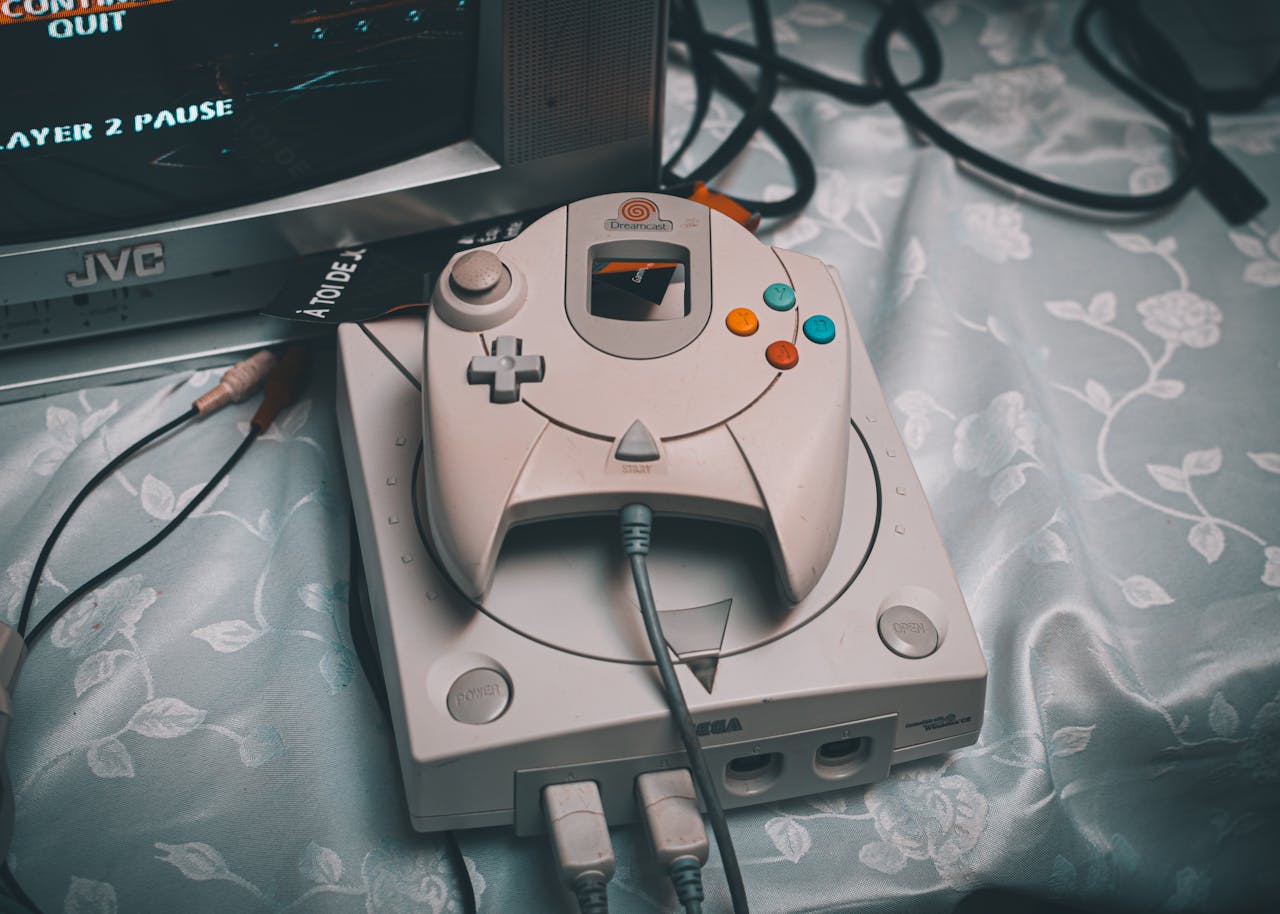
The Sega Genesis (or Mega Drive) remains one of the most beloved consoles in gaming history, with a library of legendary titles that continue to captivate gamers even in 2026. From Sonic the Hedgehog to Streets of Rage, the Sega Genesis has earned its place in the hearts of retro gaming enthusiasts. But with modern technology, the best way to enjoy these classic games today is through emulation—the process of recreating the hardware of the console on modern devices. In this article, we’ll explore the top SegaGenesis emulators for 2026, helping you relive the nostalgia and rediscover the joy of the Genesis era.
Why Emulation Matters in 2026
In the digital age, we’ve come a long way from the original Sega Genesis. Modern devices, from powerful gaming PCs to smartphones, offer a superior experience, enabling us to play retro games with enhanced graphics and smooth performance. Emulation allows you to play your favorite Sega Genesis games without needing the original hardware. It’s the ideal solution for retro gaming lovers, combining the best of both worlds – nostalgia and convenience.
Legal Note: Emulators vs. ROM Ownership
While emulators themselves are legal, the legality of using ROMs (the digital copies of games) can be a bit murky. Legally, downloading ROMs for games you don’t own is considered illegal. Always ensure that you are using legally obtained ROMs—whether from backup copies of your own games or from authorized sources.
What Is a Sega Genesis Emulator?
A Sega Genesis emulator is a program that mimics the functionality of the Sega Genesis console on modern devices. It allows you to play Genesis games on your computer, smartphone, or tablet, providing the same experience as the original hardware—without the need for old hardware.
How Emulators Work
Emulators recreate the hardware of the original console in software. The emulator reads the game files (ROMs) and processes them as the Genesis console would, allowing the game to run. This is done by mimicking the console’s CPU, graphics, and sound capabilities. Some emulators even offer additional features, such as the ability to save states, enhanced graphics, and other modern conveniences.
Platforms
- Windows, macOS, and Linux
- Android and iOS
- Raspberry Pi (for a more nostalgic, retro hardware experience)
What to Look for in a Sega Genesis Emulator
When choosing the best Sega Genesis emulator for your needs, there are several factors to consider:
Performance & Accuracy
The best emulators accurately replicate the behavior of the Sega Genesis hardware, providing smooth gameplay and correct sound reproduction.
Platform Compatibility
Ensure the emulator supports your preferred platform, whether it’s PC, smartphone, or Raspberry Pi.
Controller Support
Good emulators allow you to use external controllers, whether USB controllers on your PC or Bluetooth controllers on your phone.
Features: Save States, Shaders, Fast-Forward
Look for features like save states (save your progress at any point), enhanced shaders (improve graphics), and fast-forward (speed up gameplay).
Ease of Setup
Some emulators are very user-friendly, while others require more technical know-how. Choose one that fits your skill level.
Also Read: Rare Digimon Cards: The Ultimate Collector’s Guide
🏆 Top Sega Genesis Emulators in 2026 — Platform by Platform
Best All‑Around Multi‑Platform Emulators
RetroArch (with Genesis Plus GX core)
RetroArch is an all-in-one emulator that works across multiple platforms: Windows, Mac, Linux, Android, and iOS. It’s a powerful and versatile option for emulating Sega Genesis games.
- Pros: Wide platform support, customizable, powerful features.
- Cons: Complex setup for beginners.
- Best for: Enthusiasts and power users who want a flexible emulator with tons of options.
Best Standalone PC Emulators
Kega Fusion
Kega Fusion is a well-known Sega emulator for PC that offers smooth gameplay and compatibility with almost every Genesis game.
- Pros: Simple to use, excellent compatibility.
- Cons: Doesn’t support as many platforms as RetroArch.
- Best for: Classic experience and reliability.
Gens / Gens+GS
Another solid choice for PC, Gens is a lightweight emulator with extended features, such as cheat codes and save states.
- Pros: Easy to use, good compatibility.
- Cons: Lacks some advanced features.
- Best for: Casual players who want a quick and easy setup.
Regen
Regen is an emulator focused on accuracy, delivering near-perfect emulation of the Genesis hardware.
- Pros: Accurate emulation.
- Cons: Limited features compared to other emulators.
- Best for: Purists who prioritize fidelity over extra features.
Best Emulators for Android
MD.emu
MD.emu is a full-featured Android emulator that supports both Genesis and Genesis CD games.
- Pros: Great performance, supports multiple formats.
- Cons: Paid app.
- Best for: Android power users who need a comprehensive emulator.
Pizza Boy SC
Pizza Boy SC is a newer, user-friendly option for Android that provides smooth gameplay and solid compatibility.
- Pros: Simple, smooth gameplay.
- Cons: Limited advanced features.
- Best for: Beginners looking for an easy-to-use Android emulator.
RetroArch (Android)
The Android version of RetroArch offers the same powerful features as the desktop version but may be more difficult to set up.
- Pros: Extensive features, multi-platform support.
- Cons: Complex to set up.
- Best for: Experienced users who want full control over their emulator.
Best Emulators for iOS
Delta Emulator
Delta Emulator is an iOS emulator that is easy to use and supports Genesis games.
- Pros: Beginner-friendly, good graphics.
- Cons: Limited advanced features.
- Best for: Beginners on iOS.
Provenance / Provenance XL
Provenance is a multi-console emulator for iOS, supporting Genesis, NES, SNES, and more.
- Pros: Multi-console support, good graphics.
- Cons: Slightly complex for new users.
- Best for: Users who want a one-stop emulator for various systems.
RetroArch (iOS)
For those who want a customizable, powerful emulator, RetroArch (iOS) is a great choice.
- Pros: Advanced features, multi-platform support.
- Cons: Difficult setup for beginners.
- Best for: Advanced users looking for maximum control.
Retro Consoles vs. Emulators (Optional Section)
While emulators offer great convenience, some gamers prefer the authenticity of dedicated retrohardware like the Analogue Mega SG, which uses FPGA technology to recreate the original Genesis experience.
📊 Quick Comparison Chart
| Emulator | Platforms | Best For | Accuracy | Ease of Use |
|---|---|---|---|---|
| RetroArch | Win/Mac/Linux/Android/iOS | All-in-one | ⭐⭐⭐⭐ | ⭐⭐ |
| Kega Fusion | PC | Classic experience | ⭐⭐⭐ | ⭐⭐⭐⭐ |
| Gens / Gens+GS | PC | Balanced choice | ⭐⭐⭐⭐ | ⭐⭐⭐ |
| MD.emu | Android | Android power users | ⭐⭐⭐⭐ | ⭐⭐⭐ |
| Delta | iOS | Beginners | ⭐⭐⭐ | ⭐⭐⭐⭐ |
How to Set Up a Sega Genesis Emulator (Quick Guide)
Step-by-Step Install (General Tips)
- Download the emulator of your choice from its official website or app store.
- Install it on your device following the instructions.
- Download legally obtained ROMs for the games you want to play.
- Configure your controller (if using one) in the emulator’s settings.
- Start playing and enjoy!
Configuring Controllers
Most emulators allow you to connect USB or Bluetooth controllers. Simply plug in your controller, and the emulator will detect it automatically.
Loading ROMs Legally
Ensure you own a physical copy of the game you’re playing to stay within the law.
Troubleshooting Common Issues
- Lag or performance issues: Try adjusting the emulator’s video settings.
- No sound: Check the audio settings in the emulator.
- Controller not recognized: Make sure the controller is properly connected.
🎮 Tips for Best Retro Gaming Experience
- Best Sega Genesis Games to Try: Play classics like Sonic the Hedgehog, Streets of Rage, Shining Force, and Altered Beast.
- Controller Recommendations: Consider using a USB controller or Bluetooth controller for the best experience.
- Enhancing Visuals: Use shaders or filters available in the emulator for improved graphics.
Also Read: Mario Red & Luigi Green Pokémon: A Crossover of Legendary Proportions
🧠 Conclusion
Choosing the best Sega Genesis emulator in 2026 depends on your platform and preferences. If you want an all-in-one solution, RetroArch is a great choice. For PC users, Kega Fusion remains a classic favorite. On Android, MD.emu offers powerful features, while Delta Emulator is perfect for iOS users. Emulation provides the perfect blend of nostalgia and modern convenience, allowing you to experience the magic of Sega Genesis anywhere, anytime.